
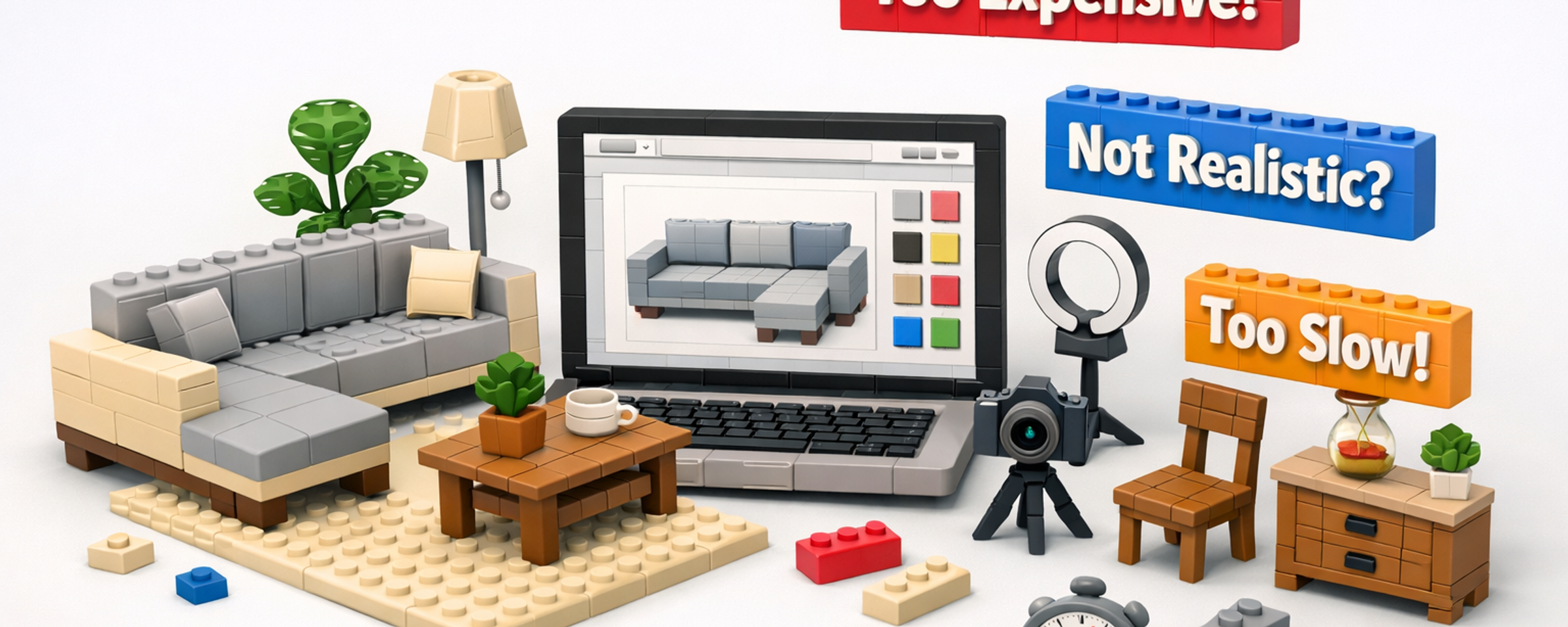
Debunking the 3D Configurator Myths
Short answer: most of the reasons brands give for avoiding a 3D configurator, it's too expensive, the renders look fake, it'll slow my site, it's a nightmare to maintain, were true a few years ago and mostly aren't anymore. But a couple of them are still true if you pick the wrong tool or the wrong pricing model, so this isn't a "everything's fine, just buy one" post.
We build configurators for a living. That means we have every incentive to tell you the myths are all false. Instead, here's the honest version: which worries are outdated, which ones still have teeth, and how to tell the difference before you spend a dollar.
Myth 1: "It's too expensive"
Mostly outdated, with a catch. The catch isn't the headline price, it's the pricing model.
The old assumption is that a configurator means a six-figure enterprise contract. In reality the market spans app-based tools at a few hundred a month up to enterprise platforms in the tens of thousands a year. One of our own furniture clients had been quoted around $100,000 by a large incumbent and launched with us at $25,000/year — and the discount wasn't even the point. The point was that the price stayed flat instead of climbing every time they added a fabric.
That's the real trap: per-variant or per-render pricing. A sofa in 40 fabrics across 6 modules is thousands of combinations, and some vendors bill against that. Your cost balloons with every new collection. A flat platform fee, with 3D models billed transparently per model, is what keeps costs sane as you grow. We go deep on this in How Much Does a 3D Configurator Cost?.
Verdict: the tool isn't inherently expensive. The wrong pricing model is. Model your three-year cost, not your launch cost.
Myth 2: "The renders will look fake"
Outdated, and getting more so every year. With modern real-time rendering, good PBR materials, and post-processing, 3D gets very close to a photographed look, close enough that most shoppers can't tell.
Here's the part people miss: the small sliver of per-frame polish you might trade away buys you something huge, the ability to update and expand instantly. A fixed 360 render looks great until you add one new fabric and have to re-render the whole set. Real-time 3D just swaps the material and it's live.
The honest caveat: realism depends on model quality. A rushed, low-poly model with flat textures will look fake. That's a craftsmanship issue, not a technology limit. Which is why you should always...
Judge realism on your own product, not a vendor's showcase. Ask any vendor to demo a piece from your catalog. A polished hero demo tells you nothing about how your walnut sideboard will actually look.
Verdict: the technology is there. Insist on seeing your own product before you believe it.
Myth 3: "3D will slow my site and hurt SEO"
Outdated when built properly. The "3D is heavy" belief comes from an era before progressive loading, model optimization, and modern compression. A well-built configurator loads a lightweight version first and streams in detail, so the page stays fast and smooth.
The SEO worry is mostly a myth too. A properly implemented configurator doesn't damage your rankings, and the richer engagement (time on page, interaction) can help. Problems only show up when a tool dumps a huge unoptimized model onto the page with no loading strategy, again, a build-quality issue, not an inherent flaw.
Verdict: fast is a solved problem for good implementations. Ask vendors how they handle loading and optimization, and test on mobile.
Myth 4: "It's a nightmare to maintain"
Outdated with the right tool, painfully true with the wrong one. This is the myth with the most surviving truth, and it comes down to one question: who can add a new fabric or product, and how long does it take?
- ✓Healthy: your own team adds a fabric in minutes through a self-serve admin, and it's live the same day.
- ✓Red flag: every new fabric is a support ticket and a week of re-rendering before it appears.
A configurator that can't keep pace with your catalog isn't a configurator, it's a slideshow you pay to update. The maintenance nightmare is real for per-render, vendor-managed setups. It largely disappears when you own real 3D models and can update them yourself.
Verdict: maintenance pain is a symptom of the wrong architecture. Make "how do I add a fabric?" a buying-decision question.
Myth 5: "360 spins are basically the same thing, and more real"
A comparison worth retiring. Pre-rendered 360 spins can look great on a single fixed product. But they don't configure, and they don't scale. Every variation is a separate render set, which is exactly what drives per-variant costs and slow updates.
There's also a quieter risk: lock-in. When the renders and assets live with the vendor, leaving means losing everything you paid to create. Real 3D models you own get reused across web, AR, in-store screens, and marketing. Rented renders are a liability.
Verdict: spins are a showcase; configurators are a system. Don't pay configurator money for a slideshow.
Myth 6: "Every brand needs one"
This one's a myth in the other direction, and we'll say it plainly: not everyone needs a configurator. If your products are ready-made with a couple of simple options, or your total combinations come to under about a dozen, photography will serve you better and cheaper. We wrote a whole honest guide to this decision: Do I Actually Need a Furniture Configurator?
Anyone telling you every brand must have one is selling, not advising.
So which worries are still valid?
To be fair to the skeptics, here's what genuinely still deserves caution:
- ✓Cheap tools that slow your site and look fake. These exist. Don't buy on price alone.
- ✓Per-variant pricing and asset lock-in. Real risks with real vendors. Read the contract.
- ✓Bad or missing 3D models and product data. The tech can't rescue messy inputs.
- ✓Buying before you need it. The most expensive configurator is the one you didn't need.
Frequently asked questions
Are 3D configurators worth it?
For brands whose customers hesitate over options they can't see, or whose reps lose time building custom quotes, usually yes. For simple, ready-made catalogs, usually no. It comes down to whether visualization is your actual bottleneck.
Do 3D configurators really look as good as photos?
Very close now, with quality models and post-processing. The trade for that last sliver of polish is the ability to update and scale instantly, which fixed photos and renders can't match.
Will a configurator hurt my page speed or SEO?
Not when it's built with progressive loading and optimized models. The "3D is slow" concern reflects older technology, test any tool on mobile to confirm.
What's the single biggest mistake when buying one?
Choosing per-variant pricing for a catalog you plan to grow. Model your three-year cost and confirm you own your assets.
How do I test a vendor's realism claims?
Ask them to build a demo using one of your own products, not their showcase. It's the fastest way to cut through the myths in either direction.
Polymuse builds configurators on a flat annual fee with 3D models you own and can update yourself, so the "too expensive" and "nightmare to maintain" myths don't apply. Not sure you even need one? Start with Do I Actually Need a Furniture Configurator?