
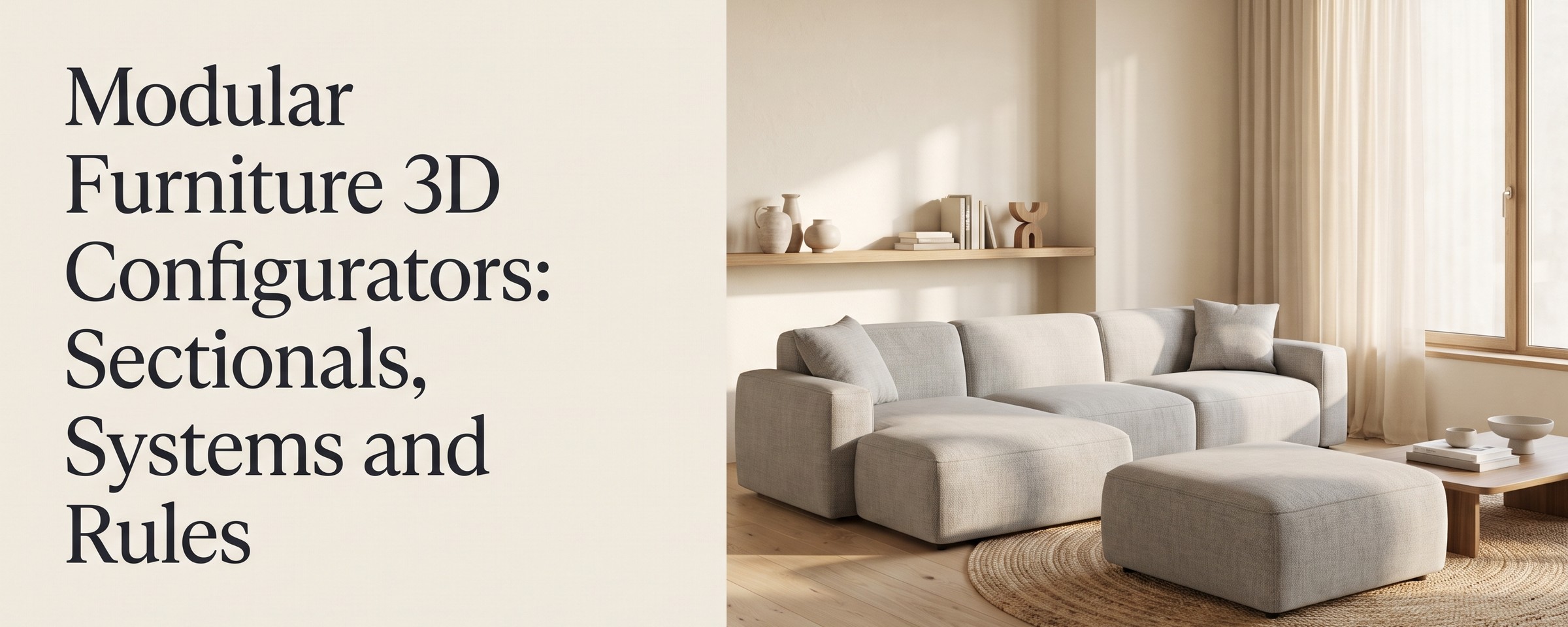
A modular furniture 3D configurator lets a buyer build a sectional, a storage wall or an office system from individual modules, in 3D, with the price updating as they go. It's the hardest kind of configurator to get right, because the product isn't one thing with options. It's a set of parts that have to fit together.
This post explains why modular is different, what rules a good configurator needs, and what a buyer and a sales rep should get out of it.
Why modular furniture breaks normal configurators
A normal configurator works on one product. Pick a fabric, pick legs, pick a size. The shape stays the same.
A modular product changes shape with every choice. Add a corner and the layout turns. Add a chaise and one end gets longer. Remove an arm and the next piece has to connect there instead.
That creates three problems.
Combinations explode
A sofa with 3 leg styles, 3 woods and 3 arm styles has 27 combinations. A modular range with 8 module types, any of which can sit next to each other, has more layouts than anyone could photograph. You can't pre-render your way out of it.
Not every layout is valid
Some pieces only connect on one side. A corner can't go at the start of a run. A left-arm chaise can't sit on the right. If the configurator allows these, sales has to catch them later, or the factory does.
Fit matters
Buyers of sectionals are almost always measuring a room. They need the overall width and depth of the layout, not of each piece.
So a modular furniture 3D configurator needs more than material swaps. It needs rules.
The rules a modular configurator needs
Connection rules
Which modules can connect to which, and on which side. An armless seat connects on both sides. A left-arm end connects only on its right. A corner connects on two sides at 90 degrees.
Orientation rules
Which way a module can face, and how that changes what connects next. A chaise has a left and a right version. A corner turns the run.
Required and forbidden neighbours
Some modules need something next to them, like an end piece to close a run. Some can't sit together, like two corners back to back.
Per-module pricing
The total should be the sum of the modules actually in the layout, plus finishes. When a buyer adds an ottoman, the price moves. When they remove one, it moves back.
A bill of materials
The output should be a list your floor can build from. Module by module, with finishes, and ideally down to SKUs and parts.
When these rules live inside the product model, a buyer can only build something you can make and ship. Invalid layouts never reach a quote.
What buyers do in a modular configurator
A good experience doesn't start from an empty canvas. Buyers start from a preset layout, then make it theirs:
- ✓Add a chaise or swap a corner.
- ✓Drop the ottoman.
- ✓Change the fabric on one seat.
- ✓See the full layout in 3D as it changes.
- ✓See the price update with each change.
- ✓Send a quote request with the exact layout attached.
That last step is where modular sales usually stall. Without a configurator, the buyer emails a sketch, waits for someone to price it, and often goes cold. With one, the price is on screen the whole time.
What sales reps do with it
The same builder works for sales. A rep can share their screen on a call and change modules while the customer watches. There's no separate internal tool that drifts out of sync with the website.
Every enquiry arrives fully specified: the module list, the finishes and the price. The rep starts from a configuration, not a blank form.
How Module Studio handles modular furniture
Module Studio is the Polymuse modular furniture configurator. It's built for products sold as a set of parts rather than one SKU: sectional sofas and corner groups, storage and wall systems, office and lounge seating, and outdoor modular ranges.
Setup works in three steps:
- Bring your modules. Send the CAD or 3D files you already have, or have our team build the range from your drawings and specs.
- Set rules and prices once. Define which pieces connect, which orientations exist and what each module costs.
- Embed and sell. Add it to your product page with a snippet. Buyers configure, price and request a quote on your site.
What it does:
- ✓Layouts with corners, chaises, armless pieces and ottomans, added, swapped and rotated the way they go together on the floor.
- ✓Adjacency and orientation rules, so a buyer can only assemble something you can ship.
- ✓Rules in the model, not in a spreadsheet.
- ✓Live pricing that updates with every module added, removed or refinished.
- ✓Central price updates. Change a module's price once and every configuration uses it.
- ✓Quote-ready output, with the module list your floor builds from.
- ✓Your branding: your fonts, colours and product names.
- ✓Accounts for staff and dealers, so everyone sells from the same rules and prices.
Module Studio runs on the same 3D engine as the rest of Polymuse, so the same models feed AR, renders and AI lifestyle images. See the Module Studio page for demos.
Storage, closets and cabinets
Modular isn't only sofas. Storage systems are even more rule-heavy: widths, heights, fillers, doors, drawers and hardware. In our closet demo, the live quote and the full bill of materials rebuild as the layout changes, down to the hardware. See the closet and cabinet configurator for that workflow.
What it costs
Modular configuration sits on the Polymuse Modular plan: $499 per month, billed annually. It includes:
- ✓250 3D models and 40 configurable products.
- ✓Modular assembly in Module Studio, with complex rules and conditional logic.
- ✓Parametric models and a multi-level BOM.
- ✓SKU mapping and automatic fabric mapping.
- ✓2D layout export.
- ✓Native add to cart on Shopify, Magento and WooCommerce.
- ✓Unlimited fabrics, materials and finishes.
The configurator embeds on any site with a snippet. Native add to cart is for Shopify, Magento and WooCommerce. Other platforms use the embed with quote requests, or the REST API and JS SDK.
More than 40 configurable products moves you to Enterprise. 3D modelling and done-for-you setup are scoped separately. See pricing for the full plan list, or How Much Does a 3D Product Configurator Cost? for the market picture.
Do you need a modular configurator?
Not every brand does. If your sectional comes in two fixed layouts, good photography may be enough. A rough rule from our other guide: if all your option combinations add up to fewer than about 12, you probably don't need a configurator at all. Read Do I Need a Furniture Configurator? to check.
You need one when:
- ✓Buyers build their own layouts from more than a handful of modules.
- ✓Sales spends real time pricing custom layouts by hand.
- ✓Orders reach the factory with missing or impossible pieces.
- ✓You sell through dealers who need the same rules and prices you use.
How to evaluate a modular furniture 3D configurator
Ask every vendor to show your hardest range, not their demo sofa. Then check:
- ✓Does it block invalid layouts, or only warn?
- ✓Does the total width and depth update as modules are added?
- ✓Can your team change a rule or price without a developer?
- ✓What comes out at the end: a picture, or a module list and BOM?
- ✓How fast is it on a phone, with your largest layout?
- ✓Can sales use the same tool on a call?
You can try a live 3D configurator to get a feel for the speed, and compare it against our furniture configurator software page.
FAQ
What is a modular furniture 3D configurator? It's a 3D tool where buyers build furniture from individual modules, like seats, corners, chaises and ottomans. Rules control which pieces connect and how, and the price updates with every change.
How is a sectional sofa configurator different from a normal one? A normal configurator changes materials on a fixed shape. A sectional sofa configurator changes the shape itself, so it needs connection and orientation rules, per-module pricing and a layout-level size.
Can a modular sofa configurator produce a bill of materials? Yes, if it's built for it. Module Studio turns each finished layout into a quote-ready spec with the module list. The Modular plan includes multi-level BOM and SKU mapping.
Does it work with Shopify? The configurator embeds on any site with a snippet. On the Modular plan, Polymuse has native add to cart for Shopify, Magento and WooCommerce.
Can it handle storage and wall systems, not just sofas? Yes. Module Studio suits storage and wall systems, office and lounge seating, outdoor ranges and closets, as well as sectionals.
Selling sectionals or modular systems?
We'll set up Module Studio on one of your own ranges.